About
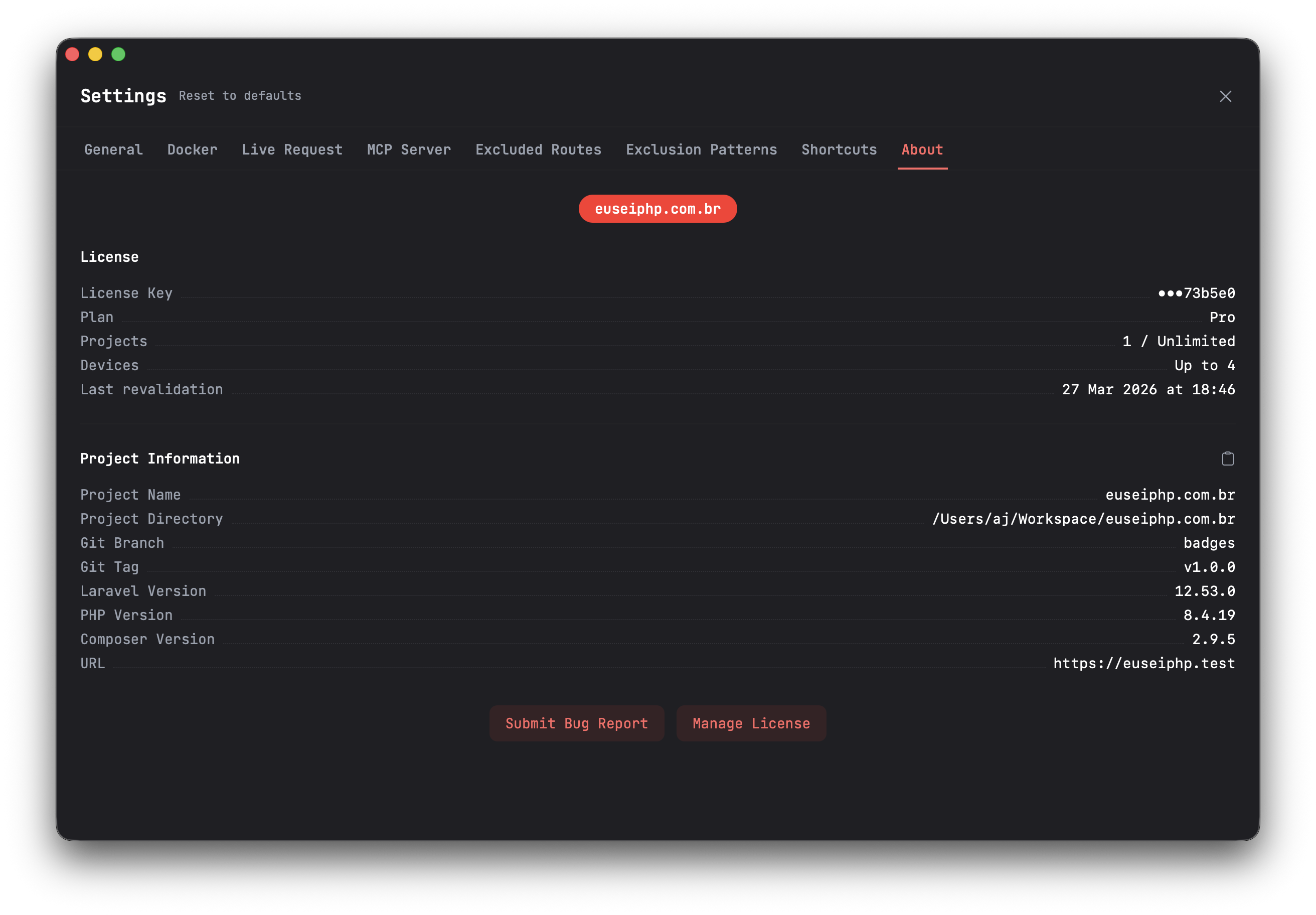
The Settings > About tab displays a summary of your license and the currently loaded project. Open it at any time with the Cmd+Shift+A shortcut.
License Info
The license section shows:
- License Key — Your license key (masked for security, showing only the last 6 characters)
- Plan — Your current license tier (Free, Pro, or Squad)
- Projects — How many projects you are using out of your limit (e.g. "2 / 6" or "3 / Unlimited")
- Devices — Maximum number of devices allowed on your plan
- Last Revalidation — When your license token was last refreshed
Project Info
- Name — Project name (displayed as a badge at the top)
- Path — Full path to the project directory
- Git Branch — Current Git branch
- Git Tag — Current Git tag (if any)
- Laravel Version — Detected Laravel version
- PHP Version — Detected PHP version
- Composer Version — Detected Composer version
- Base URL — The project's base URL
You can copy all project information to the clipboard by clicking the copy icon next to the "Project Information" heading. This is useful when submitting bug reports or sharing environment details.
Actions
At the bottom of the About tab you will find two buttons:
- Submit Bug Report — Opens the bug report dialog to send an issue directly from the app
- Manage License — Opens the activation dialog so you can change your license key