Route Quick View
The route quickview gives you instant access to key route details without leaving your current workflow. When you select a route, click the info icon in the request panel header to open a compact overlay with everything you need at a glance.
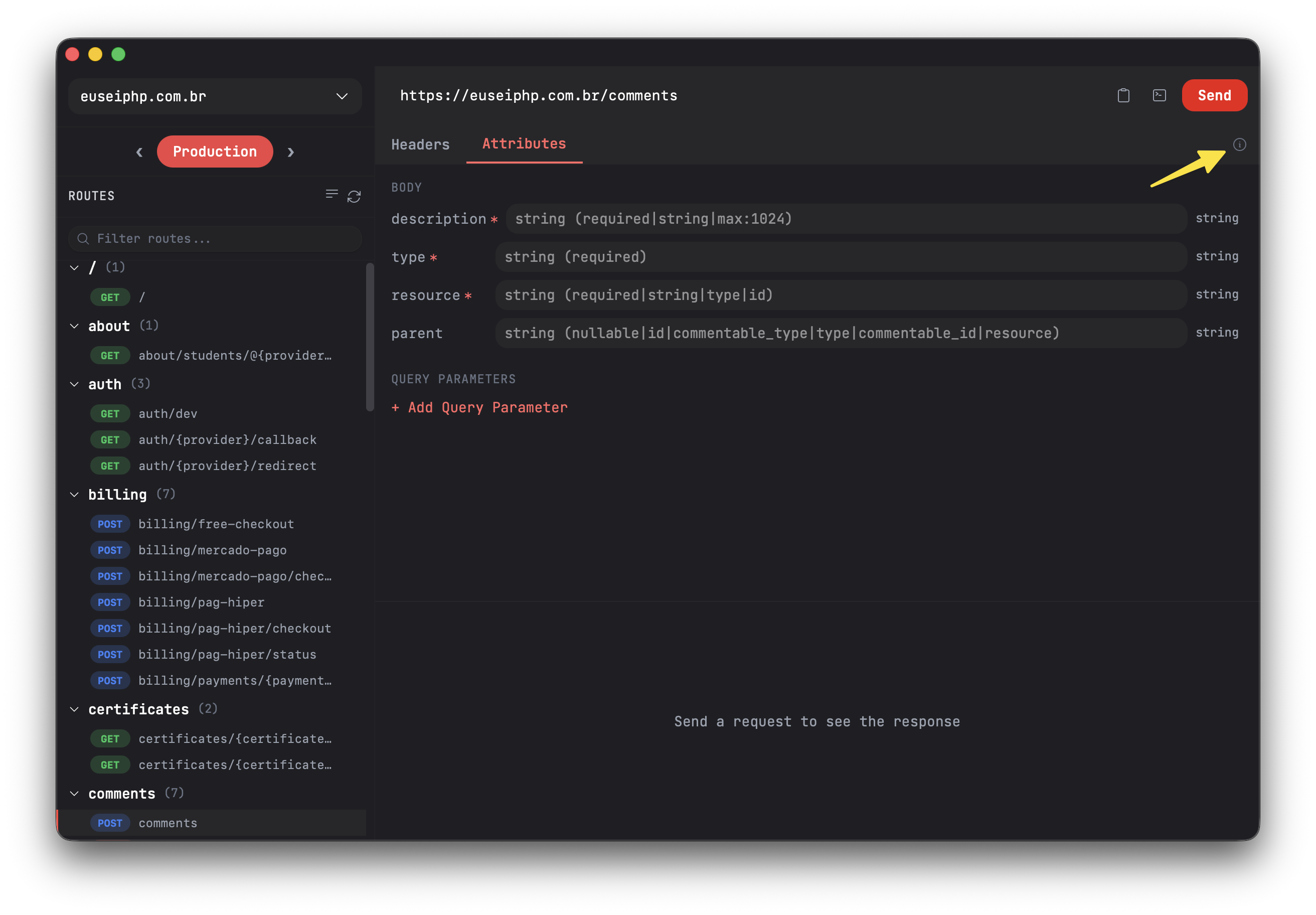
Route Details
In practice, Route Quick View is a lightweight inspection panel that shows you the method, URI, name, middleware, and controller of a route, all in a single overlay. Instead of jumping between your code editor and Routesy to cross-reference route details, you get everything in one place while staying focused on the route you're working with.
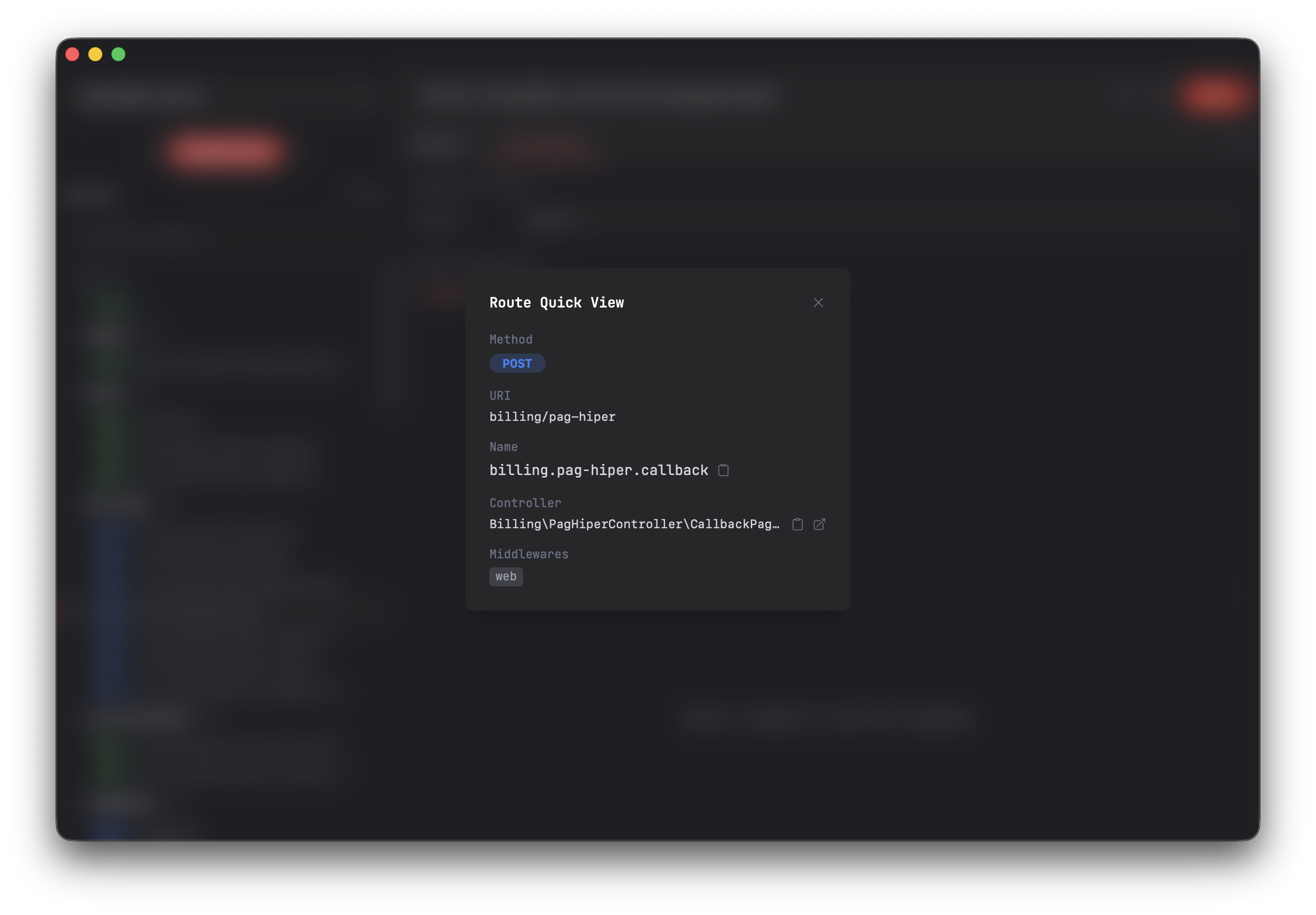
Shortcut
You can use the shortcut Cmd+Shift+V to open the route quick view of the selected route. If you are using Routesy on Windows or Linux, then the shortcut will be Ctrl+Shift+V.