Docker
If you love programming with Docker, this page is for you. Routesy natively supports Docker by default. If your Laravel project runs inside Docker, you must instruct Routesy to read the project from it.
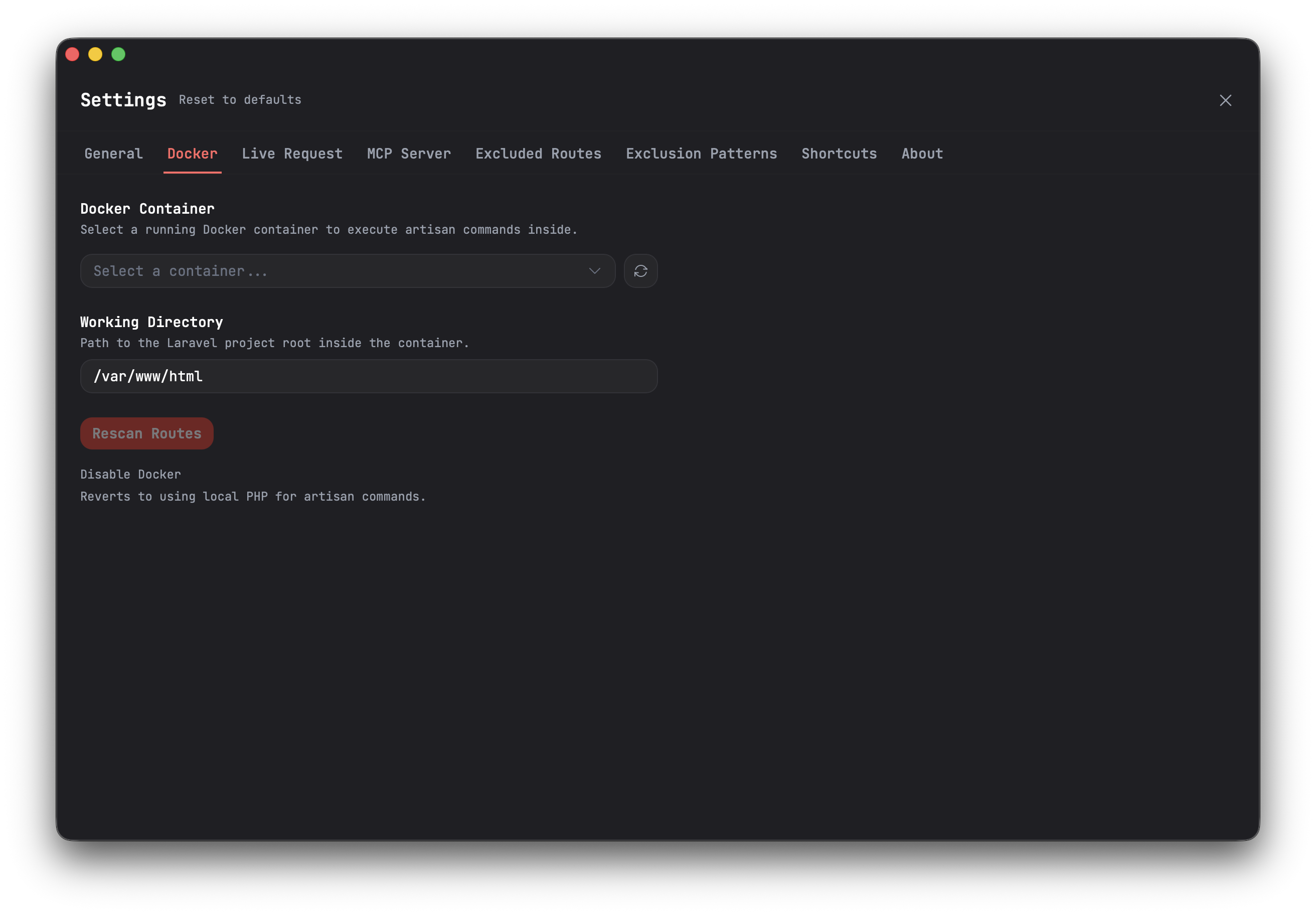
How to configure Docker
- Load your project in Routesy. If you have PHP installed on your machine, outside of Docker, Routesy will try to scan the project using your machine's PHP. Otherwise, there will be an error. If the error occurs, simply ignore it and move forward.
- Go to Settings > Docker.
- With the Docker containers running, select the container responsible for your Laravel project and then configure the Working Directory.
- Close the Settings page and scan your project's routes again.
That's it! From this point on, Routesy will be properly configured to use Docker to read your project.